
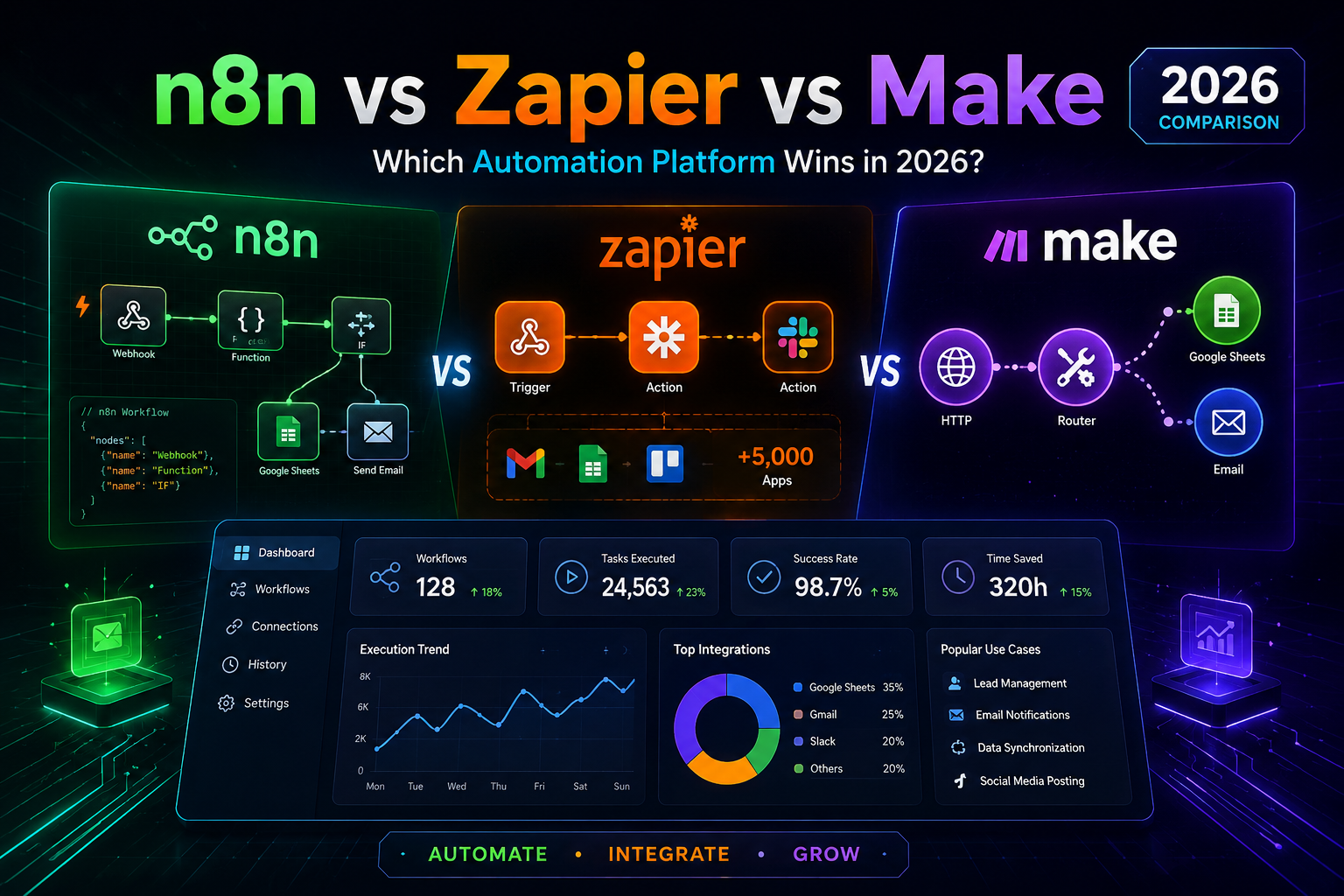
Every week a client asks me the same thing: which automation platform should we actually pay for? After building well over a hundred production workflows across all three, here is the honest answer, including the parts the vendors would rather you skip.
The short version
- Zapier if you want the largest app library and the simplest setup, and your workflows are short
- Make if you want visual branching and loops at a fair price, and nobody on your team writes code
- n8n if your workflows are long, your volume is real, or you need to control where the data lives
Now the part that actually determines your bill.
They do not charge for the same thing
This is the single most important thing to understand, and it is where most comparison articles go wrong. All three publish a monthly usage cap. But the unit being counted is different on each platform, and that difference is worth hundreds of dollars a year.
- Zapier counts tasks. One task is one action step that runs successfully. The trigger does not count. A Zap with five action steps burns five tasks every single time it fires.
- Make counts operations (renamed credits in late 2025). One operation is one module run. Same maths as Zapier: a five-module scenario costs five operations per run.
- n8n counts executions. One execution is one complete workflow run, trigger to final node, no matter how many nodes sit in between. A fifty-node AI pipeline costs exactly the same as a two-node webhook.
Read that last one again. On n8n, complexity is effectively free. On the other two, complexity is the bill.
Real cost maths
Take a lead handling workflow I build for clients constantly. A form submission comes in, we enrich the contact, score it with an AI call, write it to the CRM, notify sales on Slack, and fire a welcome email. That is six steps.
Say you get 50 leads a day. That is roughly 1,500 runs a month.
- Zapier: 6 tasks x 1,500 runs = 9,000 tasks. You are well past the 750-task entry tier and climbing the pricing slider.
- Make: 6 operations x 1,500 runs = 9,000 operations. That fits inside the 10,000 included on Core, at roughly 10 dollars a month.
- n8n: 1,500 executions. That fits comfortably inside the 2,500 on Starter.
Same workflow. Same volume. Six times the metered usage on Zapier compared to n8n, purely because of how the meter is defined.
And this is the trap: you start optimising your workflows around the pricing model instead of around the business. I have watched teams strip useful steps out of a flow to save on task count. That is a bad reason to build a worse system.
Pricing at a glance (2026)
| Platform | Free tier | Entry paid | Billing unit | Integrations |
|---|---|---|---|---|
| Zapier | 100 tasks/mo, 2-step only | Professional from about 20 USD/mo annual (750 tasks) | Task = 1 action step | Largest library, 8,000+ |
| Make | 1,000 ops/mo, 2 scenarios | Core around 10 USD/mo (10,000 ops) | Operation = 1 module run | Around 1,800 |
| n8n | Self-hosted, unlimited executions | Starter about 24 USD/mo (2,500 executions) | Execution = 1 whole workflow run | 500+ nodes, plus any REST API |
Prices move. Check the vendor pages before you commit, and note that Zapier and Make both discount heavily for annual billing.
Zapier
Zapier has been doing this longer than anyone and it shows. If a SaaS tool exists, Zapier probably connects to it. For a non-technical founder who needs a form to hit a CRM by Friday, nothing is faster.
The problem is what happens at month six. Task-based billing punishes exactly the thing that makes automation valuable: adding more steps. I have seen invoices north of 800 dollars for workloads that would run for a fraction of that elsewhere.
Pros
- Biggest integration library by a wide margin
- Fastest setup, genuinely no learning curve
- Reliable, mature, rarely breaks
- Excellent documentation and support
Cons
- Most expensive at scale, by far
- Every step costs a task, so complexity is penalised
- Weaker branching and looping than Make or n8n
- No self-hosting, your data always sits with them
Zapier
Price: Free tier, paid from about 20 USD/mo annual
Best for: Non-technical teams running short workflows across many different apps
Make
Make sits in the middle and it earns that spot. The visual canvas is the best in the category. You can see your whole scenario laid out, watch data flow through it module by module, and build real branching and iteration without writing code.
It is also consistently the cheapest hosted option. Core gives you 10,000 operations for around the price of a coffee run.
The catch nobody mentions: operations are counted granularly. Triggers, filters, and iterators all consume them. A 10,000-operation plan disappears faster than the headline number suggests, and overage packs carry a premium.
Pros
- Best visual builder of the three
- Excellent value per operation
- Proper branching, loops, and error handling
- Generous free tier for genuine testing
Cons
- Operation counting is granular and easy to underestimate
- Smaller app library than Zapier
- Steeper learning curve than Zapier
- Overage packs cost more per unit than plan credits
Make
Price: Free tier, Core around 10 USD/mo
Best for: Small teams who want visual control and real logic without paying Zapier prices
n8n
n8n is what we reach for on most client builds, and the execution-based billing is the reason. Long workflows stop being expensive. You can add the enrichment step, the AI classifier, the fallback branch, and the audit log without watching a meter.
The self-hosted Community Edition is free with unlimited executions. You pay for a server, which runs a few dollars a month on a modest VPS. For a client with data residency requirements, or one who simply does not want customer records passing through a third party, this is the only real option of the three.
Two honest caveats. First, self-hosting is not free, it just moves the cost from a licence to your time. Updates, backups, scaling, and security become your job. If nobody on the team can maintain a server, take the cloud plan. Second, the learning curve is real. n8n expects you to think about data structure, and you will end up writing small expressions or JavaScript snippets.
Pros
- Execution billing makes complex workflows dramatically cheaper
- Free self-hosted edition with unlimited executions
- Full data control, ideal for compliance-sensitive clients
- Connects to any REST API, not just prebuilt integrations
- Strong native AI and agent nodes
Cons
- Steepest learning curve of the three
- Self-hosting shifts maintenance onto you
- Fewer one-click integrations than Zapier
- Cloud entry price is higher than Make
n8n
Price: Free self-hosted, cloud from about 24 USD/mo
Best for: Technical teams, high volume, long workflows, or anyone who needs data control
How to actually choose
Skip the feature lists. Answer three questions instead.
- How many steps does your average workflow have? Two or three, any platform works. Six or more, the billing unit starts deciding your budget for you.
- How many times will it run per month? Multiply that by your step count before you look at any pricing page. That number, not the headline price, is what you are buying.
- Who maintains it? If the answer is nobody technical, do not self-host. A broken automation nobody can fix is worse than a slightly expensive one that works.
What we recommend to clients
Roughly speaking: teams under 2,000 monthly runs with simple flows go to Make. Teams running long, branching, AI-heavy workflows go to n8n. Zapier stays in the mix when a client needs a niche integration nobody else supports, which does still happen.
You are also not locked into one. Plenty of our builds use n8n as the backbone and keep a couple of Zaps alive for the one or two connectors that only Zapier has. That is a perfectly sensible architecture.
Want us to work it out for you?
If you would rather not do the maths, we will. Book a free 30-minute call and we will map your workflows, estimate your real monthly volume, and tell you which platform fits, even if the answer is the cheapest one.
Book a free strategy call